
See what a mobile Agentic Deep Scan report looks like
The full, unedited report from a scan of AndroGoat, an intentionally vulnerable Android app used for OWASP training. It shows how each finding is traced to the vulnerable code, proven and fixed.
- Target
- AndroGoat (Android)
- Scan
- Mobile Agentic Deep Scan
- Length
- 200 pages
- Result
- Overall risk: high
Android training target: AndroGoat. See each finding for its test setup and reproduction method. No customer data.
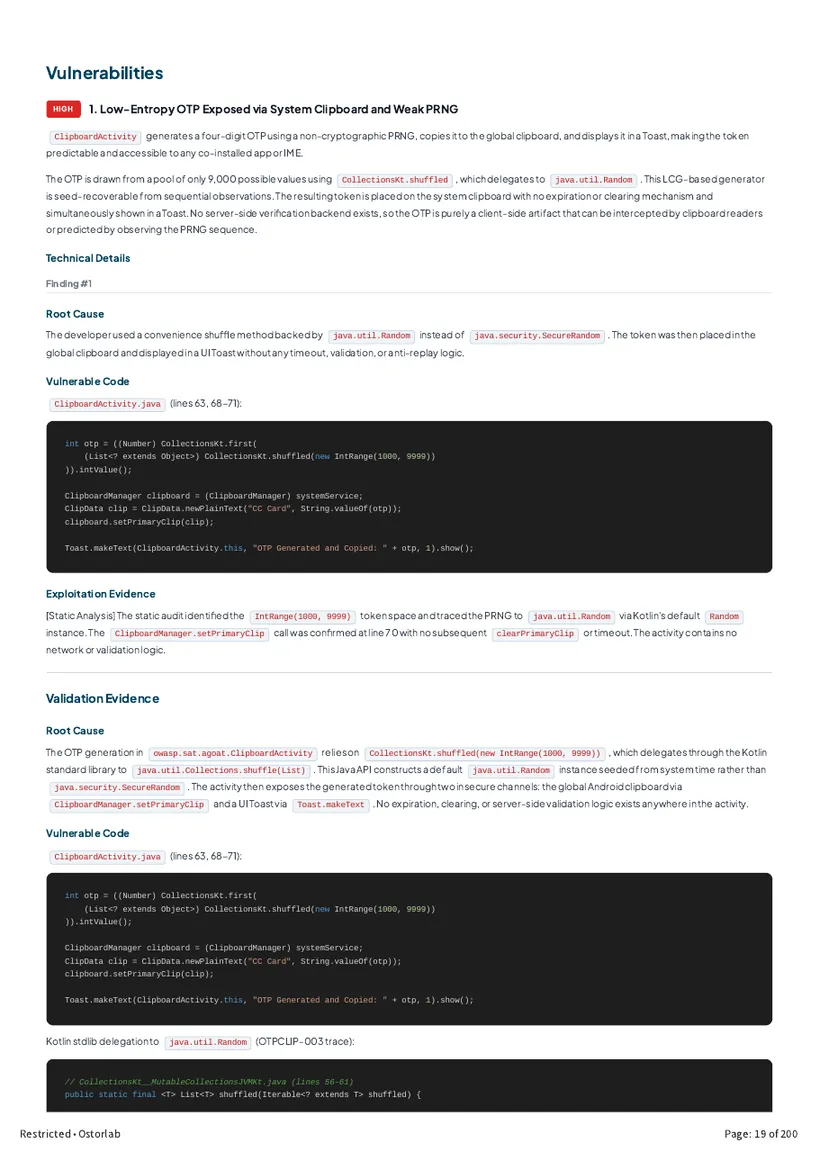
What's inside
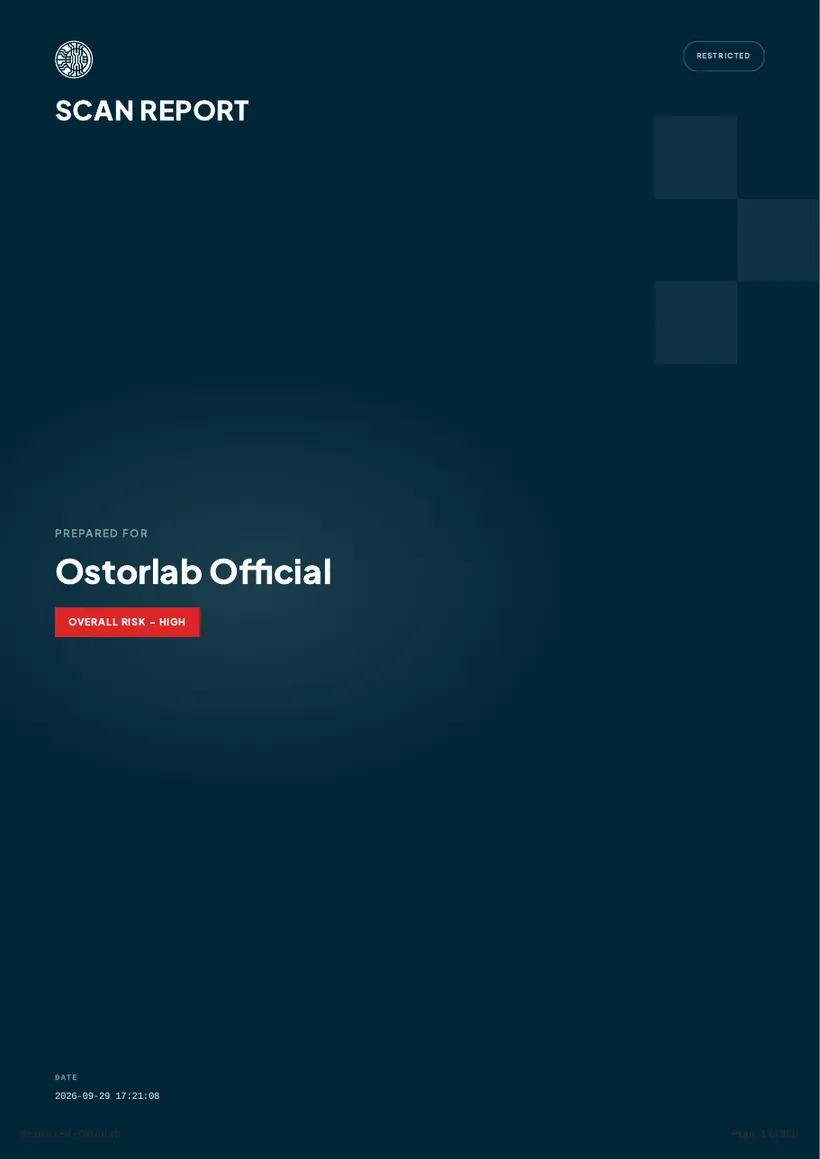
Executive summary
The overall risk, the exact build tested and how many findings sit at each severity, up front.
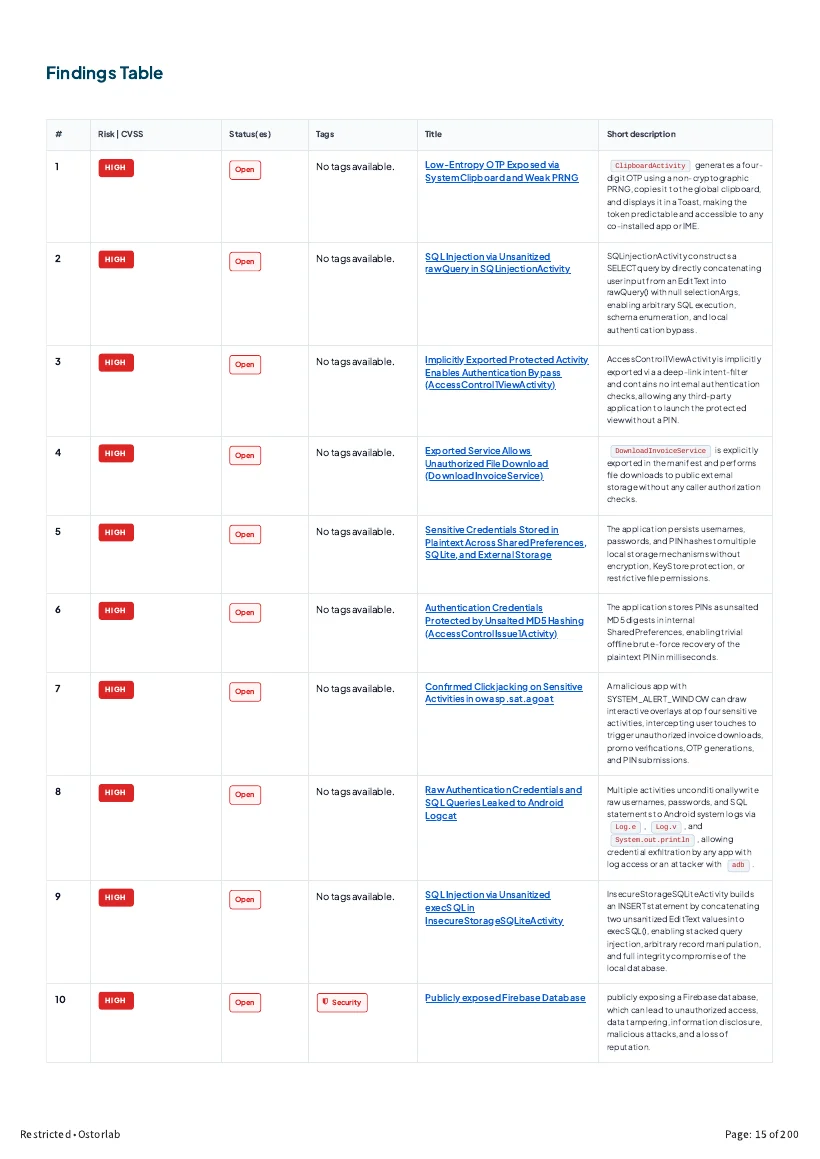
Findings table
Every finding with its risk, status and a short description.
Code-level findings
Each finding shows the root cause, the vulnerable code and the exploitation evidence.
Validation and fixes
A second pass confirms each finding, followed by the recommended fix and how to verify it.
Annotated finding
One finding, step by step
How the report takes a single finding from the exact build that was tested to the fix. Each step points to its page in the full report.
- Build
AndroGoat 1.0 (1), package owasp.sat.agoat
The report identifies the exact APK tested by its package, version and SHA-1 hash, with its size and scan date.
Report page 2 - Results
44 findings, sorted by risk
34 confirmed vulnerabilities (12 high, 16 medium, 6 low, none critical), plus 8 potential issues that need more investigation and 2 hardening measures.
Report page 2 - Findings table
Listed and tracked
The findings table lists each issue with its risk, status and a short description. This one is high and still open.
Report page 15 - Workflow
The app's insecure-storage screens
AndroGoat's storage screens save the username and password the user enters. The agent traced where each one writes them: SharedPreferences, an SQLite database, temporary files and the SD card.
Report page 27 - Finding
High: credentials stored in plaintext
Usernames and passwords are written in plaintext to SharedPreferences, an SQLite database and temporary files, one of them on shared storage. Backups are also enabled.
Report page 27 - Evidence
Where the password ends up
The decompiled app writes the password to users.xml and the aGoat database, and logs it in the SQL query. An adb backup copies both files out. The report flags the two storage paths it could not test at runtime.
Report page 28 - Fix
Encrypt, and keep credentials off shared storage
Disable backups and encrypt the stored data right away. The permanent fix moves credentials to KeyStore-backed EncryptedSharedPreferences, with a code example.
Report page 29 - Verification
How to confirm the fix
Search the decompiled app for credentials passed to storage calls in plaintext, and check that an adb backup no longer exposes readable credential files.
Report page 29
How the agent decided
Why this counts as a risk
A scanner reports whatever matches a rule. Before reporting, the agent checks whether a clue leads to real harm. Here is how it reasoned about one clue in the AndroGoat app.
Step 1
What is this address doing in the app?
The app's resources contain a Firebase database address, androgoat-42597.firebaseio.com, in res/values/strings.xml.
Report page 79Step 2
Does the app actually use it?
No. There is no Firebase library and no code reads this value. A rule-based check would file it as an unused leftover and move on.
Report page 80Step 3
Is the database itself open?
The agent sent one request to the database without logging in. It answered 200 OK and returned a username and a password.
Report page 80Step 4
So, is it a risk?
Yes, High. It doesn't matter that the app ignores the address: anyone who unpacks the app can find the database and read it without an account.
Report page 41Step 5
What fixes it?
Turn on Firebase Authentication and Security Rules so that reading the database needs a signed-in user, and take the unused address out of the app.
Report page 42
Want this report for your own app?
Book a demo and we'll walk you through a scan of your mobile app, web app or API.