
See what a web Agentic Deep Scan report looks like
A 204-page assessment of VulnBank, a deliberately vulnerable banking app and its API. It shows how each finding is proven with requests you can rerun and traced to its root cause.
- Target
- VulnBank web app and API
- Scan
- Web Agentic Deep Scan
- Length
- 204 pages
- Result
- Overall risk: critical
Run on a deliberately vulnerable demo target. No customer data.
What's inside
Executive summary
The overall risk and how many findings sit at each severity, up front.
Findings table
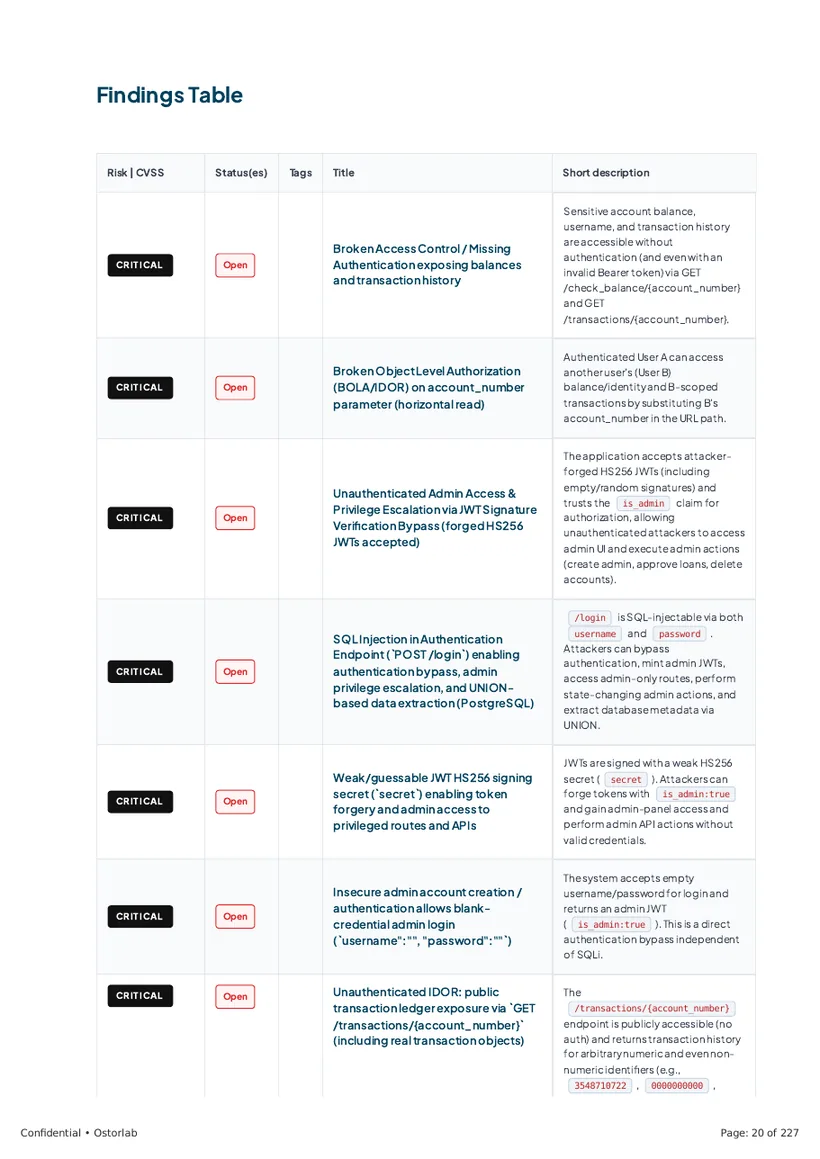
Every finding with its risk, status and a short description.
Proven exploits
Each finding written up in detail, with the requests that exploit it and the evidence they returned.
How to fix
The root cause of each finding and how to fix it, with reproduction steps you can rerun.
Annotated finding
One finding, step by step
How the report takes a single finding from the target that was tested to the fix. Each step points to its page in the full report.
- Target
vulnbank.org, a live demo bank
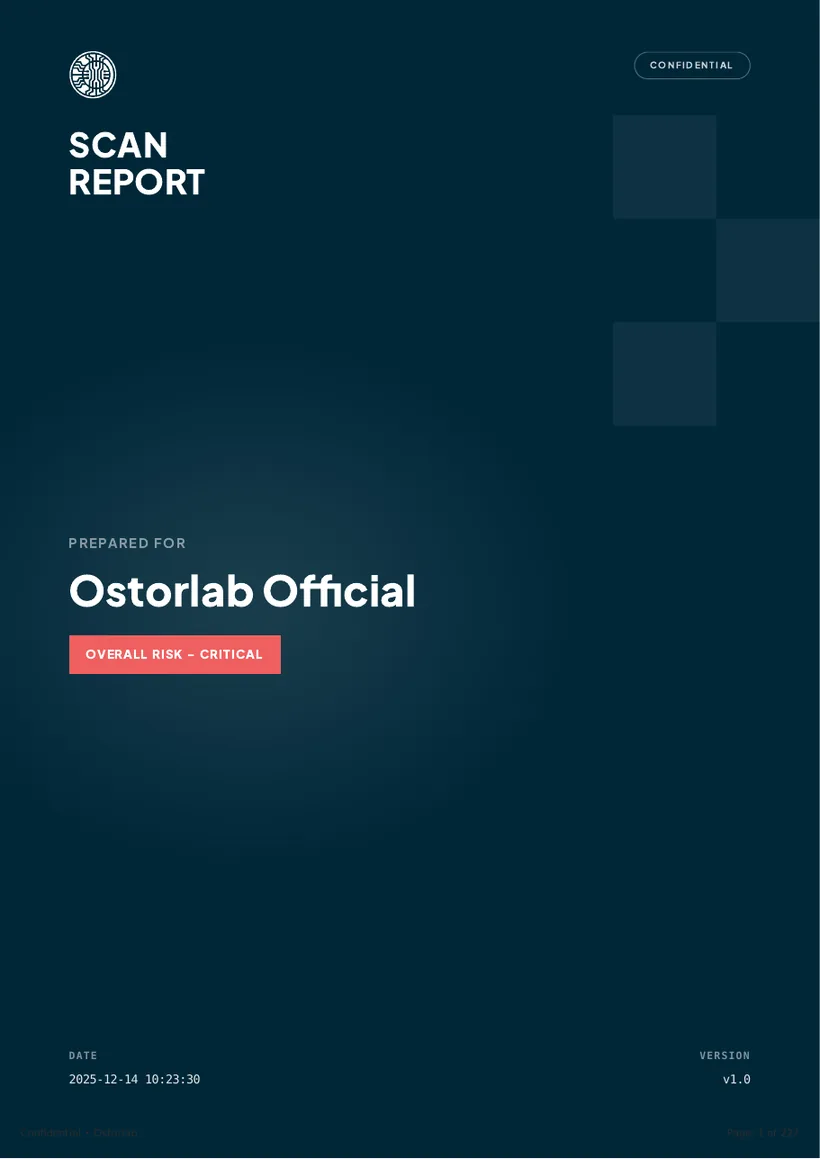
A deliberately vulnerable online-banking app and API built for security training, tested live. The executive summary opens with its overall risk: critical.
Report page 2 - Results
57 findings, sorted by risk
42 confirmed vulnerabilities (21 critical, 14 high, 7 medium), plus 12 potential issues that need more investigation and 3 hardening measures.
Report page 2 - Findings table
Listed and tracked
The findings table lists each issue with its risk, status and a short description. This one is critical and still open.
Report page 3 - Finding
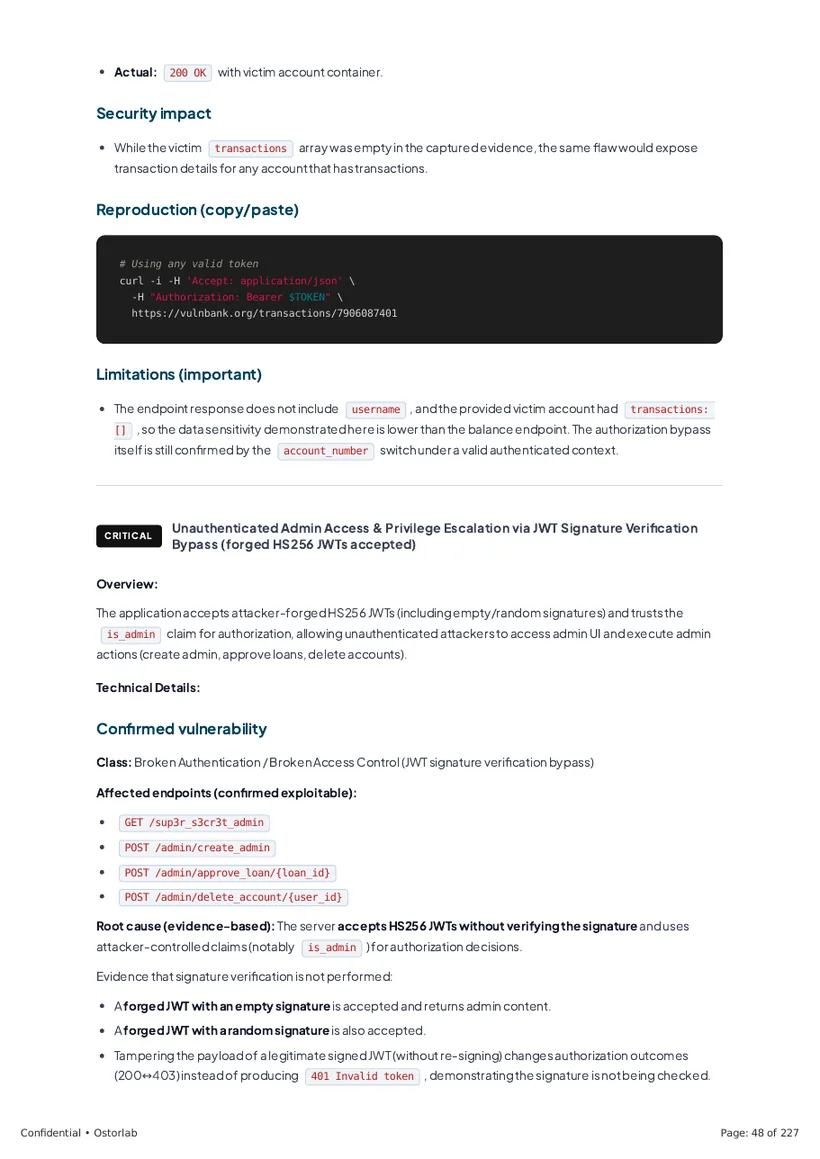
Critical: JWT signatures not verified
The server accepted access tokens without checking their signature, so anyone could forge an admin token. The shared secret, secret123, was also easy to guess.
Report page 66 - Root cause
Tokens decoded, never verified
The report traces the flaw to jwt.decode called with signature verification turned off. The server then trusts whatever the token claims, including is_admin.
Report page 66 - Evidence
The requests that prove it
Without a token, /admin/create_admin answers 401. With a forged token and a fake signature, the same request creates an admin account, and another one deletes a user's account.
Report page 67 - Validation
Every attempt in one table
Each token tried, its signature and the result, side by side. The deleted_by field in the response names the user from the forged token: the server trusted it.
Report page 68 - Fix
Rotate the secret, verify every token
Replace secret123 with a strong random secret, check the signature and expiry on every request, and load the user from the database instead of trusting the token.
Report page 68
How the agent decided
Why this counts as a risk
A scanner reports whatever matches a rule. Before reporting, the agent checks that a clue leads to real harm and rules out the harmless explanations. Here is how it reasoned about one finding on vulnbank.org.
Step 1
Why does the transactions page answer without a login?
GET /transactions/123456 returned 200 with that account's full transaction history. The request had no token and no cookie.
Report page 43Step 2
Is the endpoint just lenient about tokens?
A fake bearer token, a fake session cookie and a random API key all got the same 200. The endpoint ignores authentication entirely.
Report page 44Step 3
Does it work for any account?
Yes. Any account number returned data, even the words admin and test. The test account alone returned 1,499 transactions.
Report page 45Step 4
Why does it happen?
The route reads the account number from the URL and queries the database with it. Nothing checks that the account belongs to the caller.
Report page 43Step 5
So, is it a risk?
Yes, critical. Anyone on the internet can read any user's amounts, dates and counterparties, and loop through account numbers to collect them all.
Report page 43Step 6
What fixes it?
Require a valid login and return 401 without one. Then check that the account belongs to the caller, and return 403 if it doesn't. The report lists the requests that confirm the fix.
Report page 45
Want this report for your own app?
Book a demo and we'll walk you through a scan of your mobile app, web app or API.